LOGIN-LOGOUT
Open a browser and start your LIMBAS Application with the LINK provided by your ADMINISTRATOR, as well as your username and password.
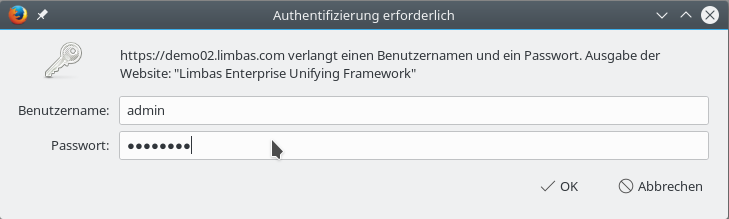
Fig.:1 Authentication

Fig.:2 LIMBAS Demo Application started in a browser tab
Note: If you started your LIMBAS Application in one of your browser tabs, you will not automatically be logged out by closing only the tab.